
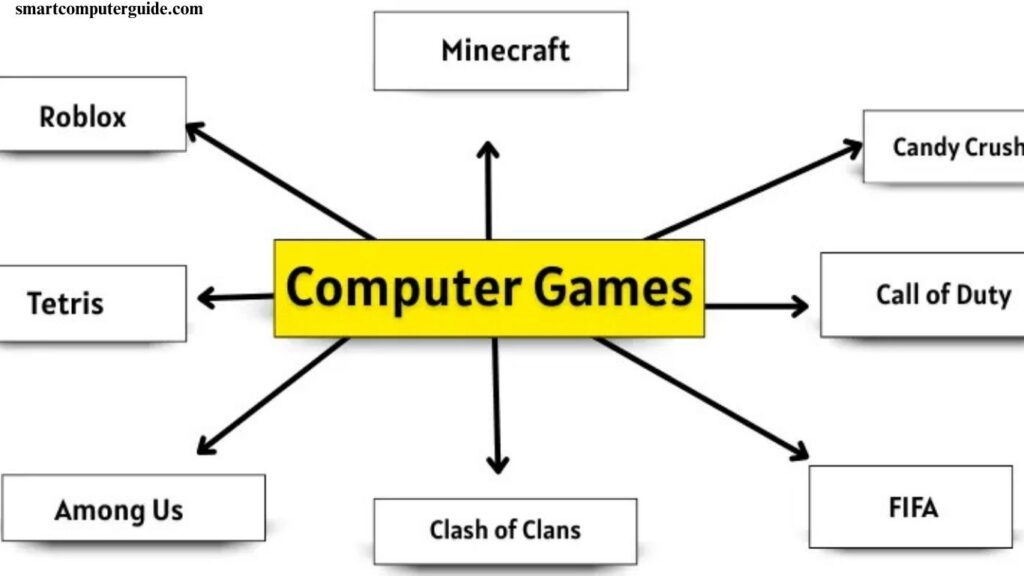
Computer games have become a major part of modern entertainment, appealing to people of all ages. From casual mobile games to immersive PC and console experiences, these games offer fun, challenge, and creativity. Understanding the different types of computer games and exploring popular examples can help players choose the right game for their interests and skill levels. This guide provides a clear overview of computer games, their categories, and real-world examples to make gaming easier and more enjoyable.
Read More: Top Data Recovery Software – A Complete Guide
What Are Computer Games?
Computer games are software programs played on a computer, created for entertainment, learning, and skill development. They range from simple, casual games to more challenging experiences, making them suitable for beginners and advanced players alike.
History of Computer Games
Computer games have evolved significantly since their early days. In the 1950s and 1960s, simple games like Tennis for Two and Spacewar! were created for lab computers. By the 1970s and 1980s, home computers made games such as Pong and Pac-Man widely accessible. As technology advanced, games became faster, more interactive, and visually engaging. Today, computer games are enjoyed worldwide on PCs, laptops, and tablets by players of all levels.
Types of Computer Games
Computer games come in a variety of types, each offering a unique experience. Beginners can choose games based on their interests and skill level.
Action Games
Fast-paced and exciting, action games test reflexes and hand-eye coordination. Popular beginner choices include Super Mario, Sonic, and Call of Duty.
Adventure Games
Adventure games let players explore worlds, solve puzzles, and follow stories. Beginners enjoy titles like The Legend of Zelda, Monkey Island, and Tomb Raider.
Puzzle & Brain Games
These games challenge your mind and improve memory and problem-solving skills. Beginners can try Tetris, Sudoku, or Candy Crush.
Simulation Games
Simulation games mimic real-life activities like driving, farming, or city-building. They teach planning and decision-making. Popular options include The Sims, SimCity, and Farmville.
Educational Games
Designed to teach while entertaining, these games help with math, science, or languages. Beginners and kids can enjoy ABCmouse, TypingClub, or BrainPOP.
Sports Games
Sports games let players compete in football, basketball, cricket, and more, improving strategy and focus. Beginner-friendly titles include FIFA, NBA 2K, and Cricket 19.
Strategy Games
Strategy games require careful planning and decision-making. Beginners can start with Age of Empires, Clash of Clans, or Chess.com.
Multiplayer Online Games (MMO)
MMOs allow players to interact online, cooperating or competing with others. Popular beginner games include Roblox, Minecraft, and Fortnite.
Examples of Computer Games for Beginners
Computer games offer fun, learning, and skill-building opportunities. Here are some popular games that are easy for beginners to enjoy:
Minecraft
Minecraft lets players build and explore their own worlds, from houses to entire cities. It encourages creativity, problem-solving, and online multiplayer adventures.
Roblox
Roblox offers a variety of mini-games and lets players create their own games. It promotes teamwork, creativity, and is beginner-friendly with multiplayer options.
Tetris
Tetris is a puzzle game where players fit blocks to complete lines. It improves planning skills, with simple controls and addictive gameplay.
Candy Crush
Candy Crush is a casual puzzle game on phones and tablets. Match candies, progress through levels, and enjoy bright graphics and simple, fun gameplay.
Among Us
Among Us combines tasks with social deduction. Players identify impostors, improve teamwork, and enjoy online interaction with friends.
FIFA
FIFA features real teams and tournaments. It develops focus, quick decision-making, and offers fun matches for beginners.
Call of Duty
Call of Duty is an action-packed shooting game with realistic graphics. Fast-paced missions keep players engaged and challenged.
The Legend of Zelda
The Legend of Zelda lets players explore worlds, solve puzzles, and enjoy an engaging story. Encourages problem-solving with easy-to-learn controls.
SimCity
SimCity is a simulation game where players build and manage cities. It teaches planning, resource management, and strategic thinking.
Clash of Clans
Clash of Clans focuses on building villages, fighting opponents, and managing resources. Beginners can start small and develop creative strategies.
Advantages and Disadvantages of Computer Games
Computer games are a popular source of entertainment, offering both benefits and drawbacks. Understanding these helps beginners play responsibly and enjoyably.
Advantages of Computer Games
- Enhance Problem-Solving Skills: Games challenge players to think critically and find solutions.
- Improve Hand-Eye Coordination: Action and strategy games boost reflexes and coordination.
- Encourage Creativity: Many games inspire imagination and innovative thinking.
- Promote Teamwork: Multiplayer games teach cooperation and collaboration.
- Reduce Stress: Playing games can be relaxing and provide a mental break.
- Boost Focus and Concentration: Strategy and puzzle games improve attention and planning.
- Develop Strategic Thinking: Games encourage planning and long-term decision-making.
Disadvantages of Computer Games
- Eye Strain and Headaches: Prolonged screen time may affect vision.
- Addiction Risk: Excessive gaming can lead to dependency.
- Reduced Physical Activity: Sitting for long periods may impact health.
- Social Impact: Overplaying can limit real-life interactions.
- Distraction from Studies or Work: Games can divert attention from responsibilities.
- Exposure to Violent Content: Some games may include graphic or aggressive material.
Frequently Asked Questions
What are computer games?
Computer games are software programs played on PCs, laptops, or tablets for entertainment, learning, or skill development.
What are the main types of computer games?
The main types include action, adventure, puzzle, simulation, educational, sports, strategy, and multiplayer online (MMO) games.
Can beginners play computer games easily?
Yes, many games are beginner-friendly, offering simple controls, tutorials, and gradual difficulty to help new players start.
Are computer games good for learning?
Some games, especially educational and puzzle games, improve problem-solving, strategic thinking, memory, and creativity.
Can computer games affect health?
Prolonged gaming may cause eye strain, headaches, reduced physical activity, or addiction, so moderation is important.
Are multiplayer games safe for beginners?
Most multiplayer games are safe, but parents and beginners should monitor interactions and choose age-appropriate games.
Do computer games improve skills?
Yes, games can enhance hand-eye coordination, focus, concentration, teamwork, and decision-making skills.
Which devices can I play computer games on?
Games can be played on PCs, laptops, tablets, and sometimes mobile phones, depending on the game type.
How can I choose the right computer game?
Pick a game based on your interest, skill level, and goals—whether for fun, learning, strategy, or teamwork.
Conclusion
Computer games are more than just entertainment—they offer creativity, learning, and skill development for players of all ages. From action-packed adventures to puzzle and strategy games, there is something for every beginner. While they provide numerous benefits like improved focus, problem-solving, and teamwork, moderation is key to avoid potential downsides such as eye strain or addiction. By choosing games wisely, beginners can enjoy a fun, safe, and rewarding gaming experience.