
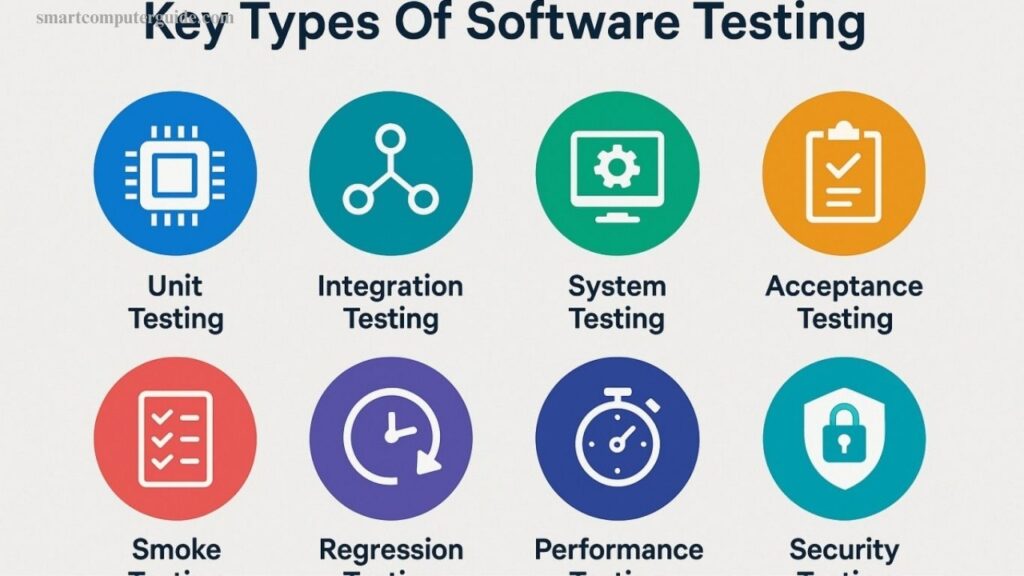
Software testing plays a vital role in developing reliable and high-quality software. It allows developers to identify bugs, errors, and performance issues before users interact with the application. Without proper testing, software can fail, causing frustration and security risks. Different types of software testing evaluate various aspects of a program, including functionality, performance, usability, and security.
Each testing method serves a specific purpose in ensuring smooth operation. In this article, you will explore the main types of software testing with practical examples, explained in a clear and beginner-friendly way to help you understand its importance and process.
Read More: Top Free AI Courses With Certificates in 2026
Main Types of Software Testing
Software testing is divided into different categories to evaluate an application from every angle. Each type serves a specific purpose, such as verifying functionality, measuring performance, or ensuring security. This structured approach helps developers detect issues early and deliver reliable, high-quality software. Below are the main categories of software testing you should know.
- Manual Testing
- Automation Testing
- Functional Testing
- Non-Functional Testing
1. Manual Testing
Manual testing is a basic method where a tester checks software manually to ensure it works correctly. No automation tools are used; testers examine features step by step to identify bugs. It’s simple, flexible, and ideal for beginners or small projects.
Importance of Manual Testing
- Finds bugs and errors early
- Improves software usability and safety
- Best for small projects
- No special tools required
Process of Manual Testing
- Requirement Analysis: Understand project documents and identify features to test.
- Test Planning: Decide which parts to test, create a schedule, and assign tasks.
- Test Case Preparation: Write step-by-step instructions with input and expected output.
- Test Execution: Follow test cases manually and record bugs.
- Defect Reporting: Report bugs with details to help developers fix issues quickly.
Types of Manual Testing
- Black Box Testing
- White Box Testing
- Unit Testing
- Integration Testing
- System Testing
- Acceptance Testing
- Exploratory Testing
Examples: Login page, form validation, website navigation, e-commerce functionality.
When to Use: Small projects, usability testing, exploratory testing, and new features difficult to automate.
2. Automation Testing
Automation testing uses tools or scripts to test software quickly and accurately. It’s suitable for large projects and repetitive tasks.
Importance
- Faster than manual testing
- Reduces human errors
- Handles complex software
- Ideal for repeated tests
Process
- Test Planning: Decide which features to automate and select tools.
- Test Script Development: Write scripts using tools like Selenium, TestNG, or JUnit.
- Test Execution: Run scripts and record results.
- Defect Reporting: Report errors with scenarios to developers.
Advantages: Faster testing, reduced errors, repeatable, good for large projects
Disadvantages: Requires tools and expertise, high initial cost, not ideal for small projects
Examples: Login automation, form submission, e-commerce cart, regression testing
3. Functional Testing
Functional testing verifies that software features work as expected.
Importance
- Ensures features function correctly
- Detects bugs in specific functions
- Makes software reliable
Process
- Requirement Analysis
- Test Planning
- Test Case Preparation
- Test Execution
- Defect Reporting
Types: Unit, Integration, System, Regression, Performance, Smoke, Acceptance Testing
Examples: Login, form submission, shopping cart, search function
4. Non-Functional Testing
Non-functional testing checks how software works rather than what it does, focusing on performance, security, and usability.
Importance
- Ensures speed and reliability
- Secures user data
- Improves user experience
- Handles heavy usage
Types
- Performance Testing
- Load Testing
- Stress Testing
- Security Testing
- Usability Testing
- Compatibility Testing
- Reliability Testing
Process
- Requirement Analysis
- Test Planning
- Test Case Preparation
- Test Execution
- Defect Reporting
Examples
- User navigation and usability checks
- Website speed tests
- Server load under 1000 users
- Security checks for login data
- Mobile device compatibility
Frequently Asked Questions
What is Manual Testing?
Manual testing is the process of checking software manually, without using automation tools, to find bugs and ensure features work correctly.
Why is Automation Testing Important?
Automation testing speeds up testing, reduces human errors, and is ideal for large or repetitive software testing tasks.
What is Functional Testing?
Functional testing verifies that software features work as expected according to requirements, ensuring reliability for end users.
What is Non-Functional Testing?
Non-functional testing checks software performance, security, usability, and reliability rather than its functionality.
What are the types of Manual Testing?
Key types include Black Box, White Box, Unit, Integration, System, Acceptance, and Exploratory Testing.
When should I use Manual Testing?
Manual testing is best for small projects, usability testing, exploratory testing, and new features that are hard to automate.
What are examples of Automation Testing?
Examples include automated login tests, form filling, e-commerce cart tests, and regression testing.
What are examples of Functional Testing?
Testing login features, form submissions, shopping carts, and search functionality are common examples of functional testing.
What are examples of Non-Functional Testing?
Website speed tests, server load tests, security checks, mobile compatibility tests, and usability checks are examples.
Conclusion
Software testing is essential for delivering high-quality, reliable software. Manual testing helps identify bugs early, while automation testing speeds up repetitive tasks and ensures accuracy. Functional testing ensures features work as intended, and non-functional testing checks performance, security, and usability. Together, these testing methods improve software reliability, enhance user experience, and prevent costly errors.